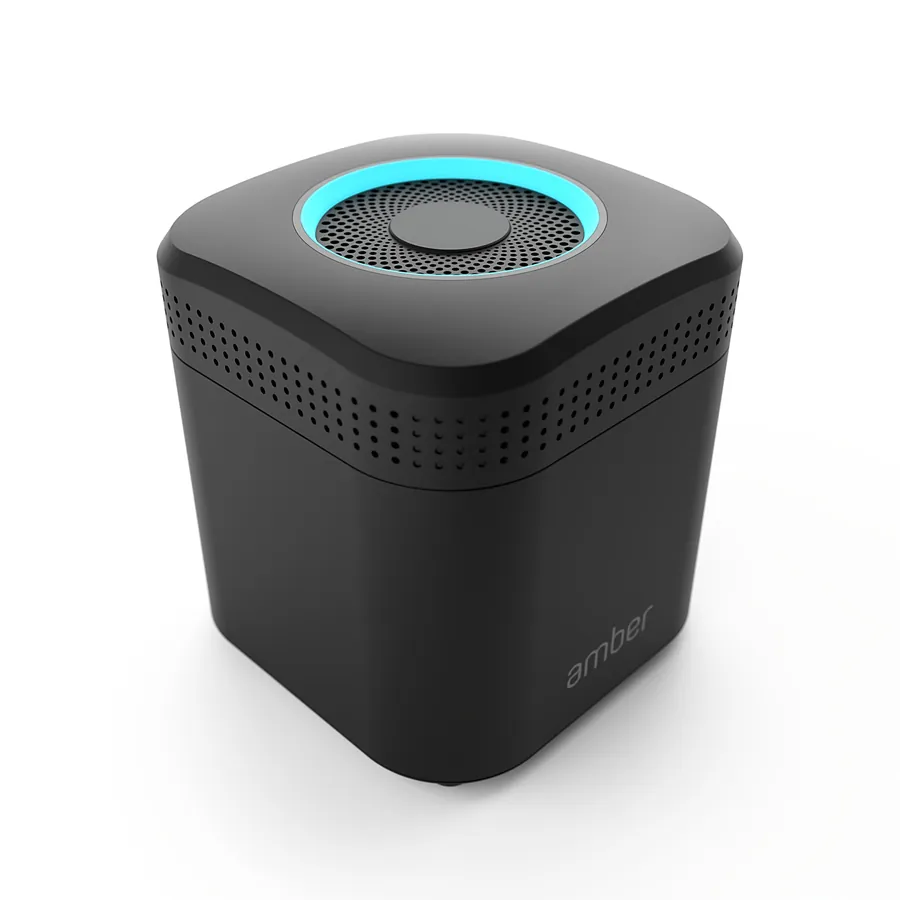
Enterprise Power. Consumer Simplicity.

Your own private cloud for home and small business. Store your data locally, reach it from anywhere and run third-party apps – without a subscription.

Choose your AmberPRO Explore features

Host Your Own Private Cloud

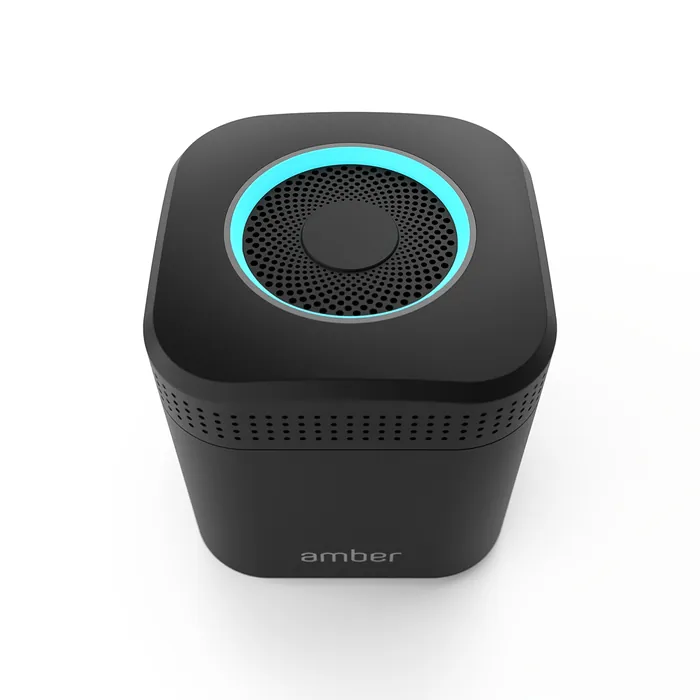
Small businesses, freelancers and other professionals can instantly host their own cloud at the office or at home. AmberPRO is the easiest way to keep your most valuable data safe, private and accessible – and with its built-in Wi-Fi router and Docker app support, it is unlike anything else.

  • Back up and share photos, videos and files
  • Find what you are looking for faster with AI
  • Peace of mind with two redundant internal hard drives
  • Install home apps such as Plex and Home Assistant with one click
  • Run powerful business apps such as Nextcloud and Odoo
AmberPRO

Why AmberPRO?

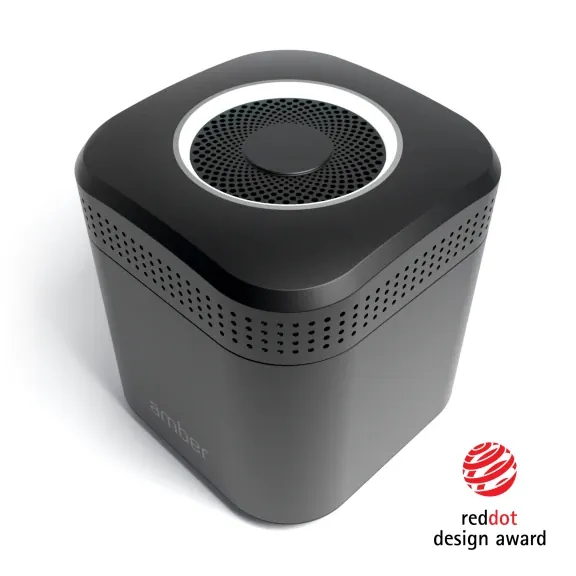
Award-Winning Simplicity

The technological elegance that earned AmberPRO a CES Innovation Award, now even simpler and more convenient. AmberPRO makes powerful features accessible to almost anyone, at home or in a small business.

Protect Your Memories

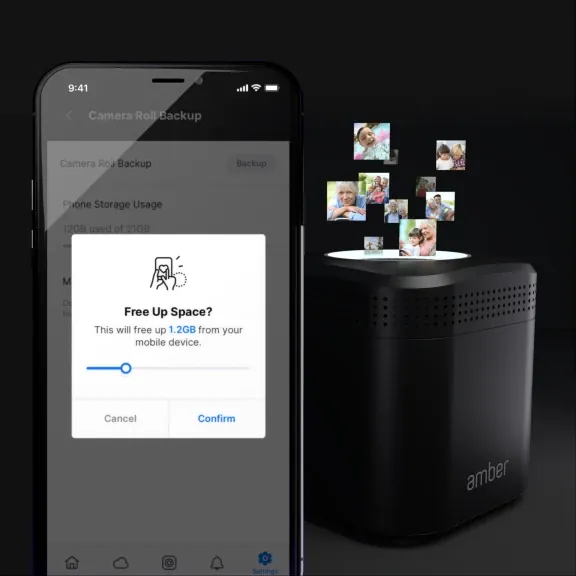
Back up your camera roll to AmberPRO automatically and keep your mobile devices running faster for longer. Save even more by cancelling those cloud subscriptions.
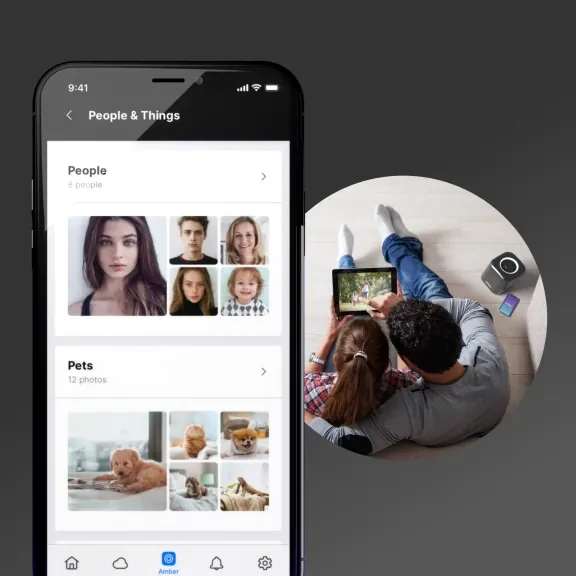
Find Files Quickly

Let AI organise your photos by people, pets and objects. It can even help you remove duplicates so your storage goes further.

Enjoy Media Anywhere

Stream your videos and music at home and on the go. AmberPRO detects your network speed to keep playback smooth wherever you are.
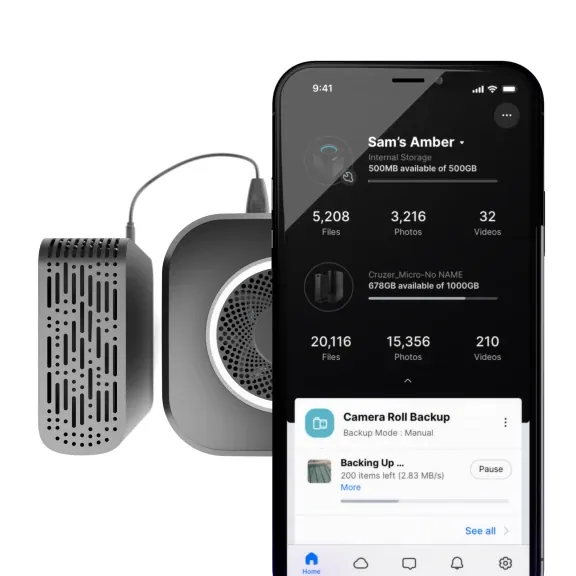
Say Goodbye to Limits

AmberPRO isn't limited to its internal drives. Connect your old external hard drives over USB to expand your storage and make that content available anywhere.
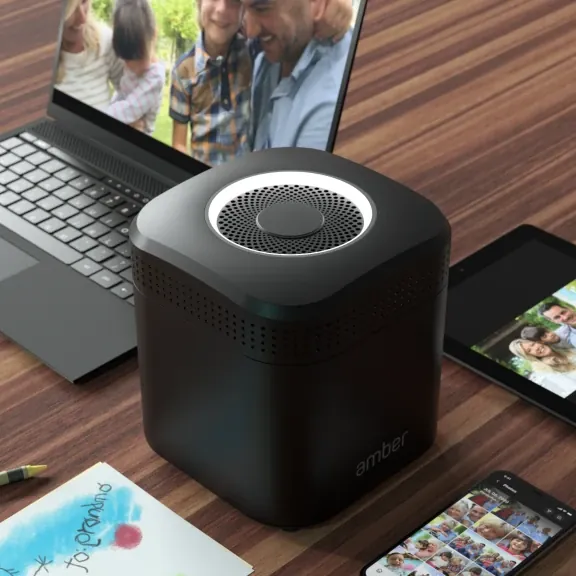
Control Your Data

You decide who has access to your media and files. Access and share them remotely on your terms – ideal for families, professionals and small businesses.
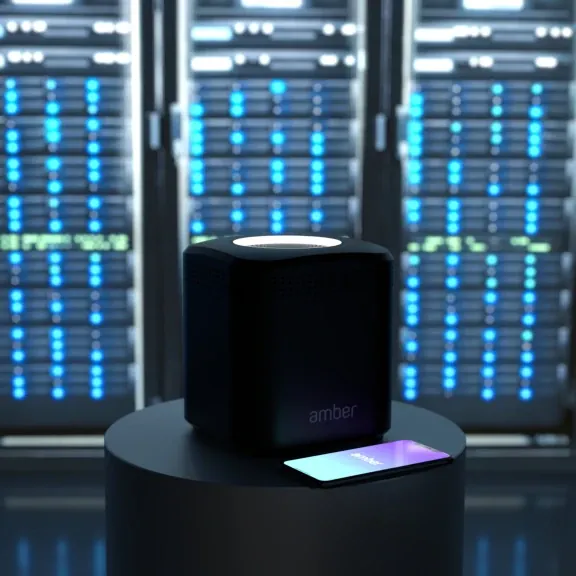
Host Your Own Server

Unlock endless possibilities with third-party Docker apps such as Plex, Home Assistant, Odoo, Nextcloud and many more.
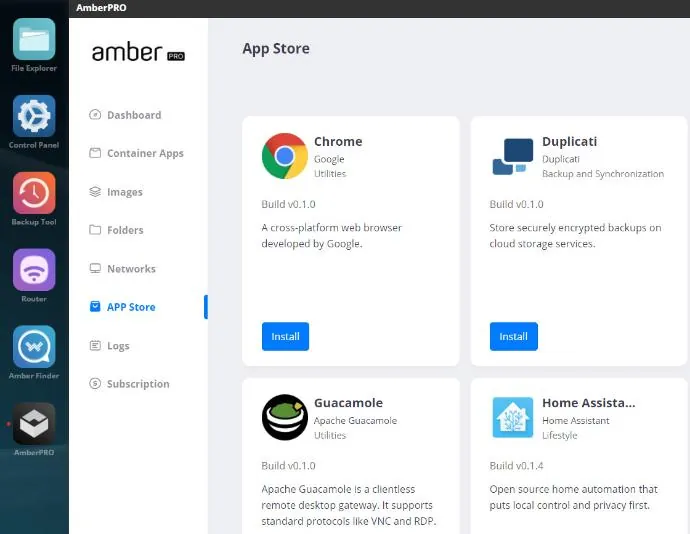
Powerful Software, Simple to Use

Amber App Store

Amber App Store

With the AmberPRO App Store, Amber users can install Docker apps with a single click.
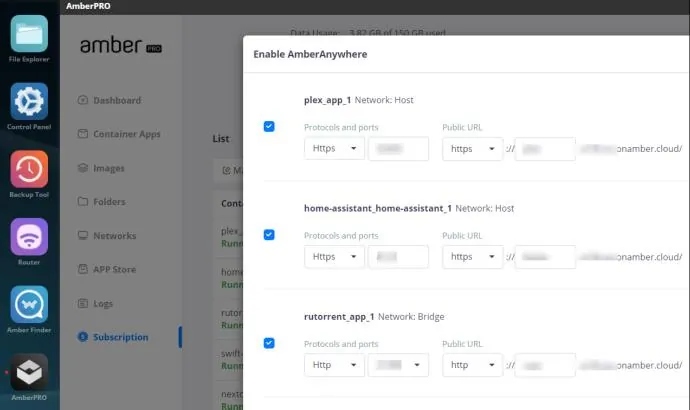
  • One-click installation of a wide range of Docker apps
  • Easy enough for non-technical users
  • Partners can publish their own apps on AmberPRO

Discover Amber →

Amber Anywhere

Amber Anywhere

Amber Anywhere gives your Docker apps a public URL, so you can use the apps on your Amber from anywhere.
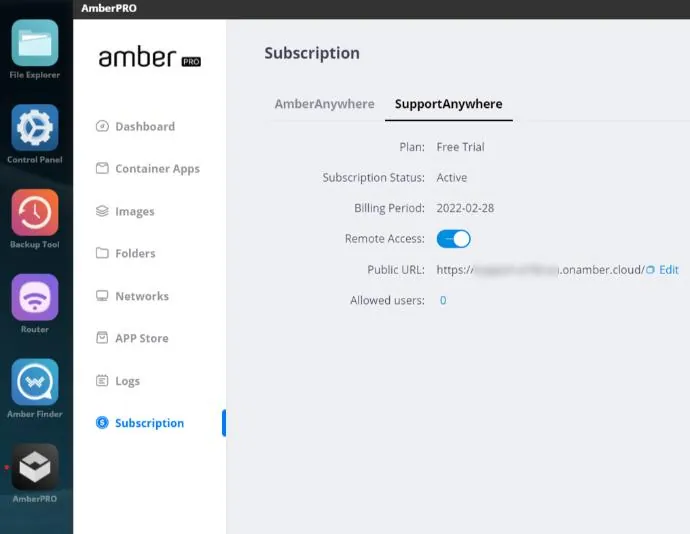
  • Hassle-free – no local network configuration needed
  • No DMZ, DNS or port forwarding
  • Run AmberPRO as a smart-home server over a secure tunnel

Discover Amber →

Support Anywhere

Support Anywhere

Remote support made simple. AmberPRO makes it easy for our partners to provide technical support from anywhere.

  • Privacy first: no access to Amber users' data folders
  • Permission-based remote access with tracking
  • Secure login portal with authentication
  • Access control panel with log history
  • View settings for seamless support

Discover Amber →

A Few of the Possibilities

AmberPRO frees you from cloud services that drain your wallet and leave you wondering who has access to your files. Here are just a few things you can do with your own cloud at home or at work.
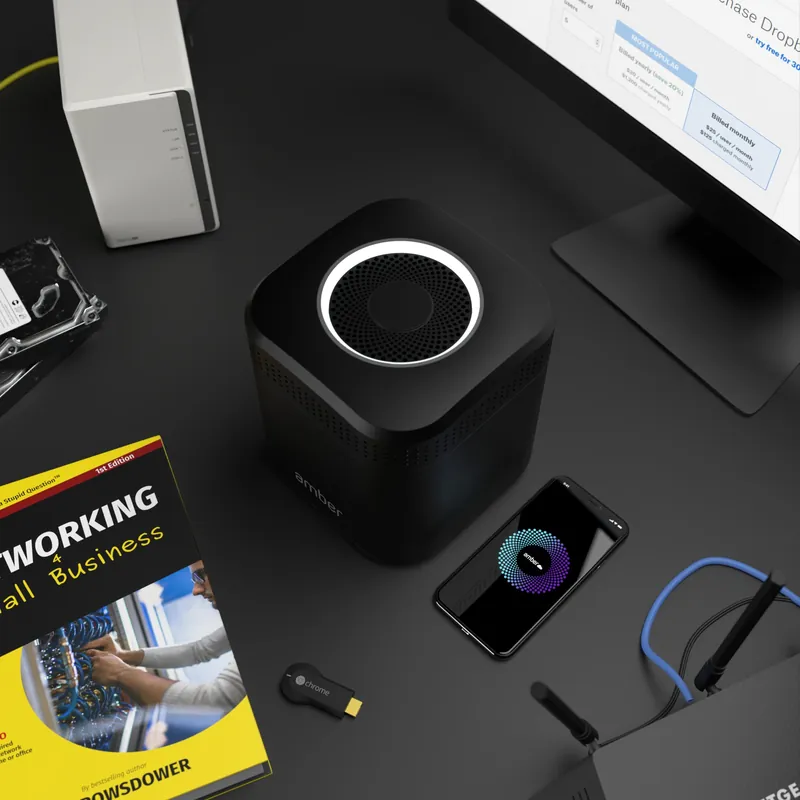
Free Up Space on Your Phone

Keep your phone longer and spend less on new devices by storing your photos on AmberPRO automatically.
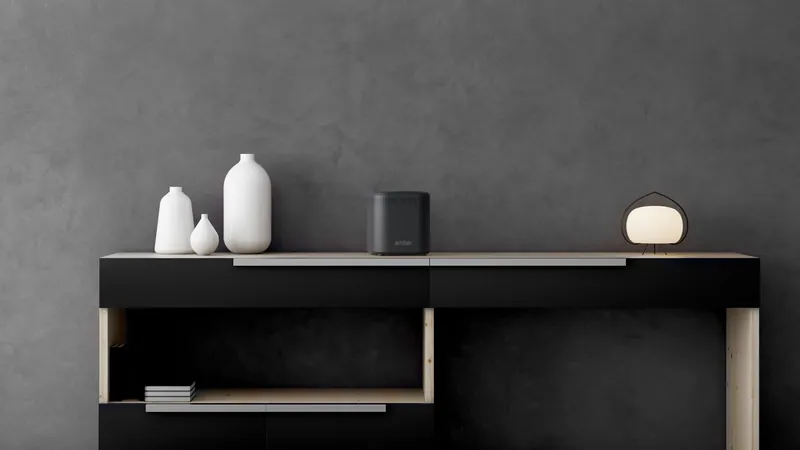
Home Media Server with Plex

Say goodbye to streaming subscriptions and hello to your own personal streaming service, hosted from home.

Host Nextcloud from Home

Run your own alternative to Dropbox and Google Drive with Nextcloud on AmberPRO.

Subscription-Free Photo Cloud

Your memories shouldn't disappear when a subscription ends. Host your own photo cloud – with no monthly fees.

Amber vs. Legacy NAS

Amber + MyAmber Cloud

Hassle-free, cloud-attached smart storage

  • Hassle-free hybrid cloudMyAmber Cloud protects Amber devices from ransomware attacks via the public internet.
  • Secure, private connectionThe easy-to-use Amber iX apps give you a secure, private connection to your Amber – no network settings needed.
  • Smart AI without public cloudsPhotos are grouped and sorted by smart AI running on your Amber, not in a public cloud.
  • AmberPRO with Amber AnywhereAmberPRO installs containerised apps and makes them available with hassle-free, cloud-like access through Amber Anywhere.

Legacy NAS with remote access

Network-attached storage connected to the public internet
  • Local storage exposed to the internetRansomware attacks from the internet are on the rise, and NAS users must configure the firewall on their gateway correctly.
  • Public web accessA web portal to a legacy NAS is convenient, but it also makes the device more vulnerable to internet attacks.
  • Cloud relay for connection onlyA legacy NAS uses a cloud relay for remote access only – no cloud space and no remote backup.
  • Add-on packages, add-on risksThird-party packages are hard for non-technical users to manage securely against internet attacks.

Choose your AmberPRO

AmberPRO

Amber One – AmberPRO 2TB

€449

incl. 21% Dutch VAT

  • Home cloud server
  • 2 × 1 TB HDD (RAID 1)
  • Amber OS + AmberPRO
  • Intel dual-core CPU
  • Built-in dual-band Wi-Fi router
Order now

Easy setup – satisfied or your money back.
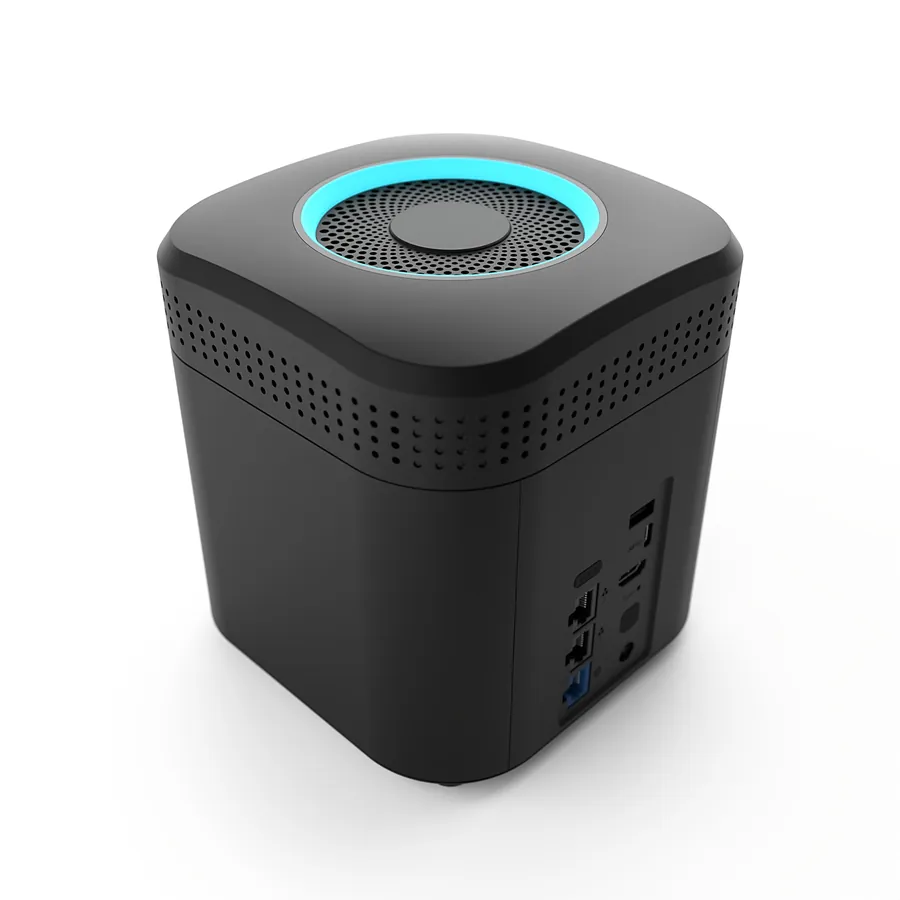
AmberPRO

Amber Plus – AmberPRO 4TB

€549

incl. 21% Dutch VAT

  • Home cloud server
  • 2 × 2 TB HDD (RAID 1)
  • Amber OS + AmberPRO
  • Intel dual-core CPU
  • Built-in dual-band Wi-Fi router
Order now

Easy setup – satisfied or your money back.

Specifications

Hardware

  • Intel® dual-core Gemini Lake CPU (1.1–2.6 GHz)
  • 2 GB DDR4 RAM
  • Two internal HDDs in RAID 1 for data protection
  • Amber One: 2 × 1 TB (1 TB usable) · Amber Plus: 2 × 2 TB (2 TB usable)
  • Built-in AC2600 Wi-Fi router (4×4 MIMO, beamforming)
  • 1 × Gigabit Ethernet WAN, 2 × Gigabit Ethernet LAN
  • 2 × USB 3.0 (Type-A and Type-C) for storage expansion
  • 1 × HDMI output
  • 170 × 160 × 160 mm, 2 kg
  • Power: 13–16 W idle, 18–25 W active, 54 W max.

Software

  • Amber OS with AmberPRO
  • Encrypted data transfer (TLS 1.3)
  • Configurable disk encryption (dm-crypt AES-XTS)
  • Video: .avi, .mkv, .mov, .mp4 (H.264, VP8)
  • Images: .bmp, .gif, .jpeg, .png, .webp
  • Audio: .aac, .mp3, .mp4, .wav, .webm
  • Streaming up to 5 Mbit/s on 2.4 GHz and 30 Mbit/s on 5 GHz Wi-Fi

Apps

  • iOS 12+, Android 8+, Windows 10+, macOS 10.13+
  • Automatic camera-roll backup
  • Remote access and sharing
  • File and folder explorer
  • Easy device-to-Amber backup
  • AI face indexing and object detection
  • Media streaming with Smart Play and TV casting

In the box

  • AmberPRO unit
  • Quick start guide and welcome card
  • AC power adapter and power cord
  • RJ-45 Ethernet cable (Cat 5e)
  • CE marked, RoHS compliant
AmberPRO